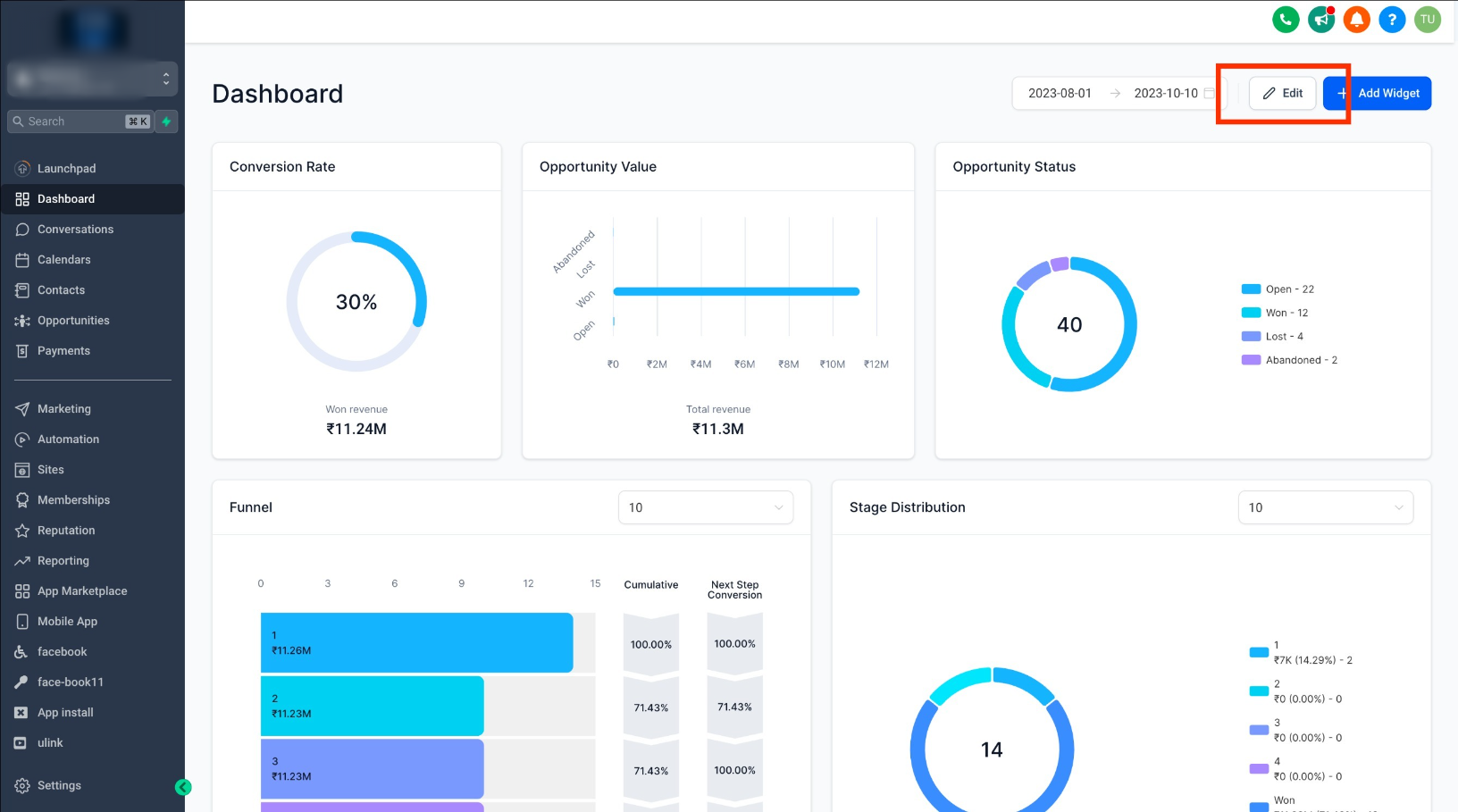
Step 1: Switch to Edit Mode
- On your dashboard, click the "EDIT" button.
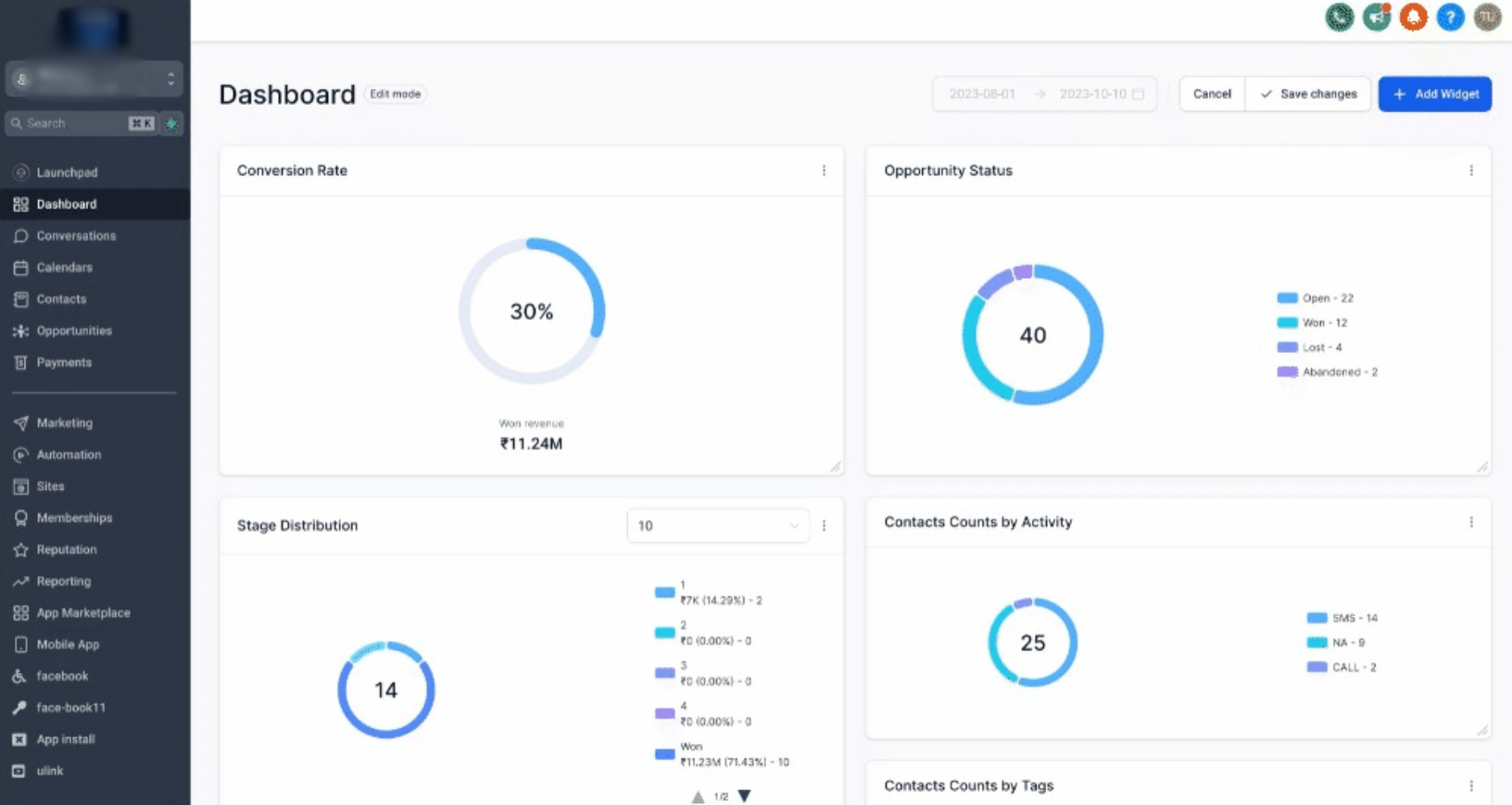
Step 2: Click and drag the "arrow" icons at the corners of the widget.
Step 3: Save Changes
- Don't forget to click "SAVE CHANGES".
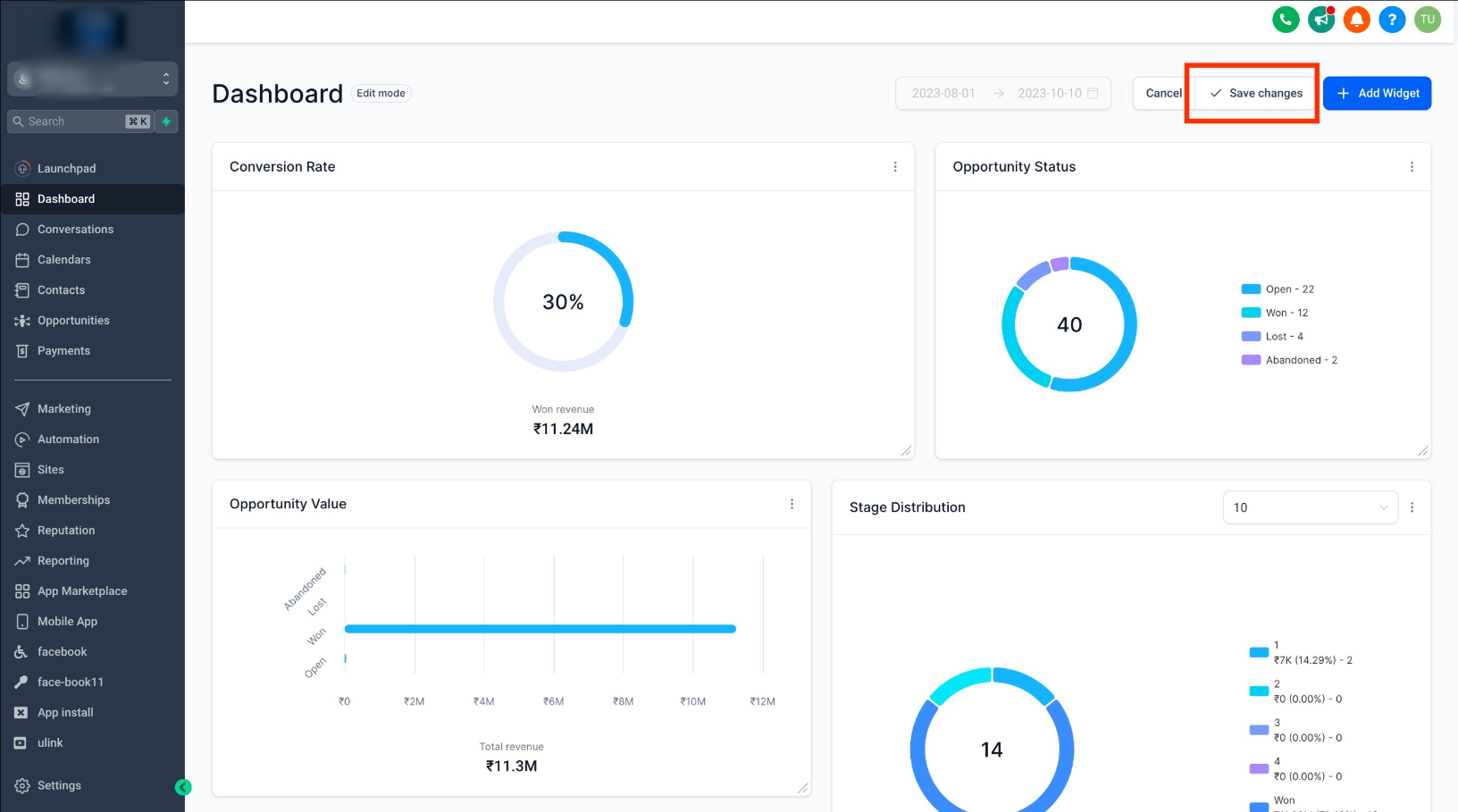
- If you want to undo the changes you've made, click "Cancel," and your widgets will be restored to their previous state.
Was this article helpful?
That’s Great!
Thank you for your feedback
Sorry! We couldn't be helpful
Thank you for your feedback
Feedback sent
We appreciate your effort and will try to fix the article