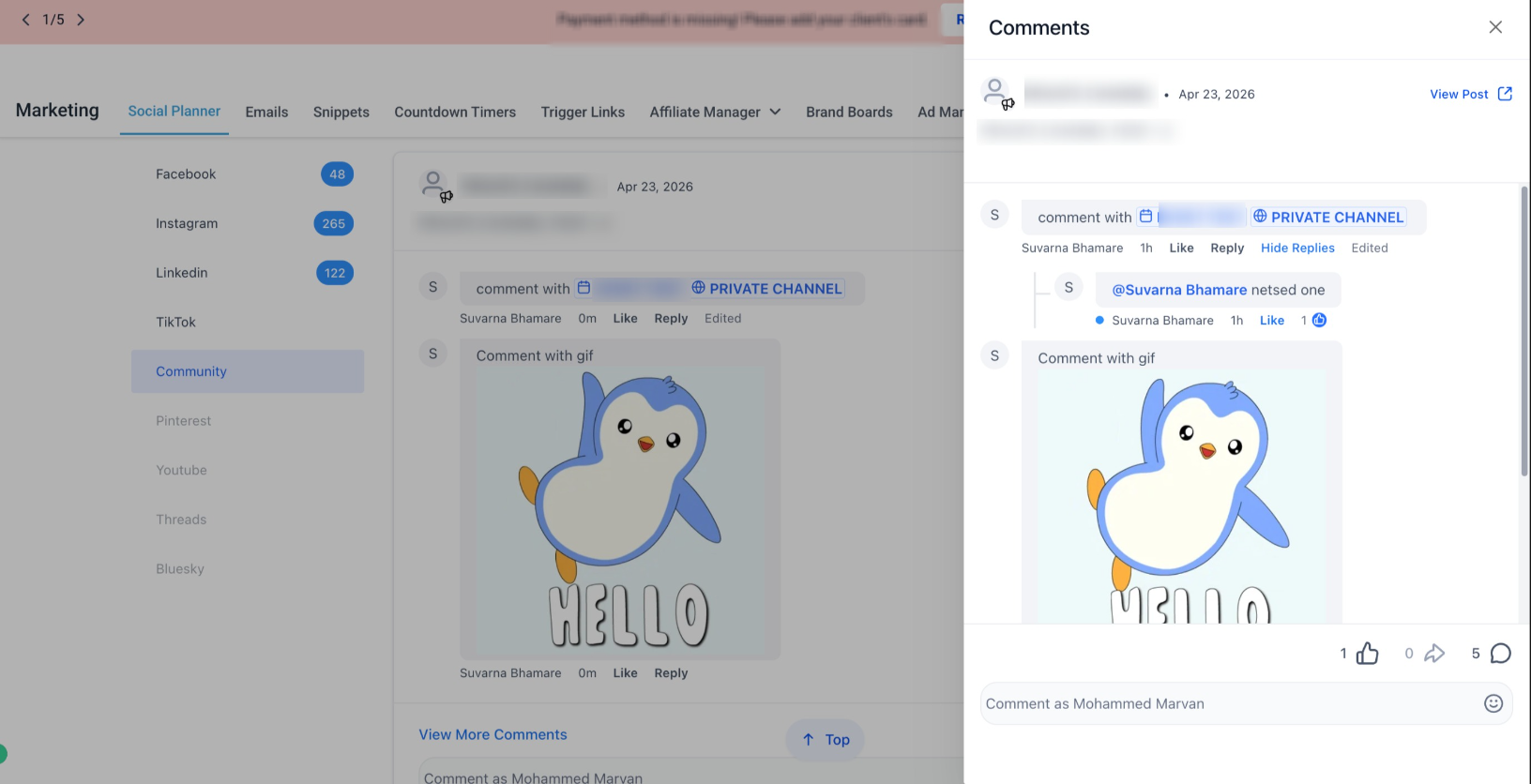
We didn’t just manage social comments we brought community conversations into the same view. With this update, Comment Management now supports Communities, allowing you to view and reply to community comments directly from Social Planner.
No more switching tabs. No more missed conversations. Just one unified inbox for all engagement.
What’s new
- Reply to Community Comments
- You can now respond to community post comments directly inside Social Planner.
- Manage conversations without navigating to the native community platform.
Profile Mentions Support
- Mention community members in replies just like the native platform.
- This keeps interactions natural and contextual.
Real-Time Sync with Native Platform
- Edits made on the native platform automatically reflect in Social Planner
- Always stay updated with the latest conversation context
Handle community comments alongside:
- Tiktok
All engagement workflows are now centralized in one place.
How to use this feature
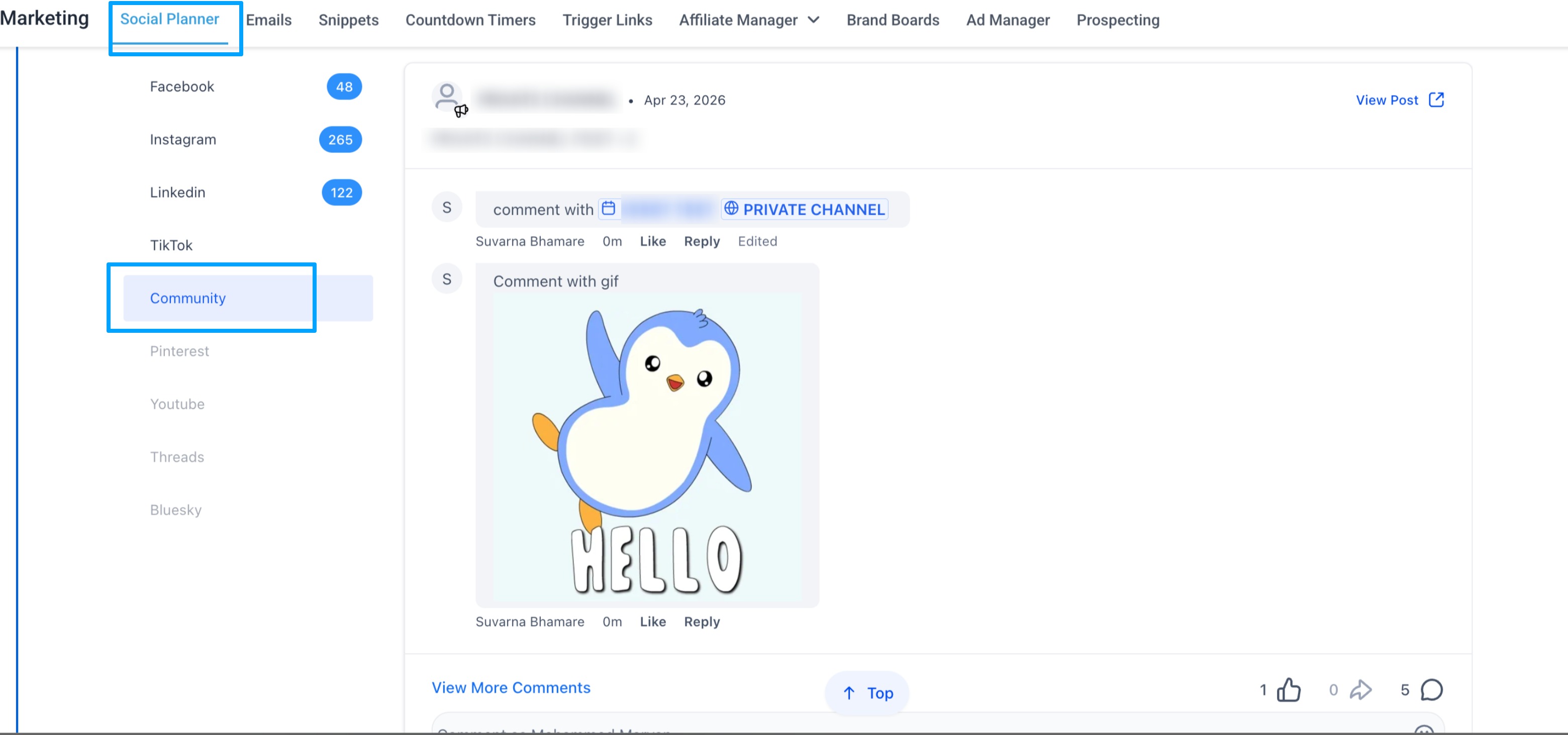
- Go to Marketing → Social Planner → Comment Management
- Open the Comments tab
- View and reply to comments directly
Why it matters
- Respond faster to community conversations
- Reduce context switching between tools
- Maintain consistent communication across platforms
- Improve member engagement and experience
Notes
- Attachments are not supported in replies
- Course mentions and event mentions are not supported currently
- Comment editing is not available from Social Planner
- Edits made on the native platform will reflect in Social Planner
- Maximum comment length: 8000 characters
Was this article helpful?
That’s Great!
Thank you for your feedback
Sorry! We couldn't be helpful
Thank you for your feedback
Feedback sent
We appreciate your effort and will try to fix the article